
What is Computer Backup and Why is it Important?

Computer backup is a process that allows you to protect your important computer data by taking copies of them against possible data loss or damage. The data on our computers contains photos, documents, music, and much more important information. You can look at relevant online companies on web pages to get information on this subject and ask your curious questions, and you can examine them in detail from here. Here are some reasons why computer backup is important:
- Reduces the Risk of Data Loss: Reduces the risk of data loss due to computer failure, virus attack, user errors, or other unexpected events.
- Protects Personal and Business Data: Losing personal files, business documents, and projects can lead to a major problem in both personal and professional life.
- Fast Data Recovery: Backed-up data can be quickly restored in case of data loss, ensuring business continuity.
Computer Backup Methods and Tools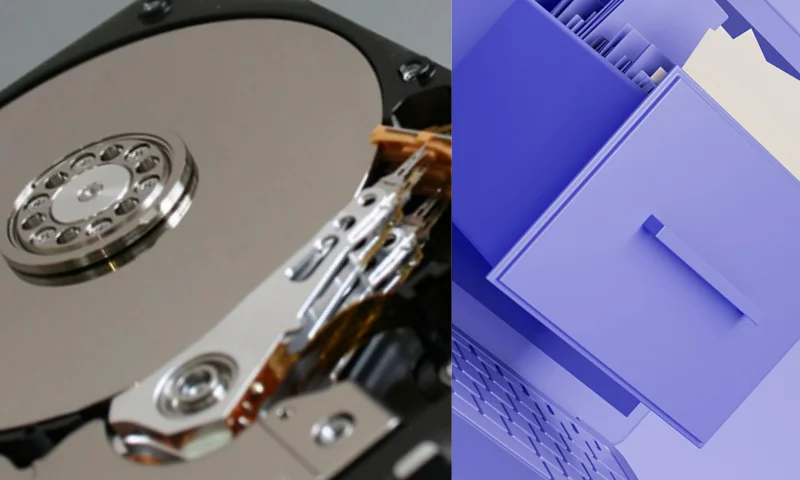
There are several different methods and tools for computer backup. Here are some commonly used backup methods:
- External Hard Drive or SSD: Regularly backing up your computer's data to an external hard drive or SSD is a simple and effective method. These devices offer large storage capacities.
- Cloud Storage Services: Online cloud storage services allow you to store your data on a secure server over the internet. Popular cloud services include Google Drive, Dropbox, and iCloud.
- Backup Software: Third-party backup software allows you to automatically back up and manage your computer's data. This software is useful for frequently backing up your data and restoring it when needed.
Computer Backup Best Practices and Common Mistakes
It is important to follow some best practices when performing computer backups. Also, avoiding some common mistakes is critical. Here are some backup best practices and mistakes:
- Regular and Automatic Backups: Regularly backing up and automating your data is important to prevent data loss.
- Data Encryption: Encrypting your backed-up data enhances your security and protects privacy.
- Different Storage Locations: Storing your backups in different physical locations provides better protection against disaster situations.
- Backup Tests: Regularly testing the backup process and implementing restore procedures ensures that your backups work. As a result, computer backup is an important precaution to prevent data loss and protect your data. By following the right backup methods and best practices, you can ensure that the data on your computer is safe.